
Video Links: Modify Arc Sample Interval
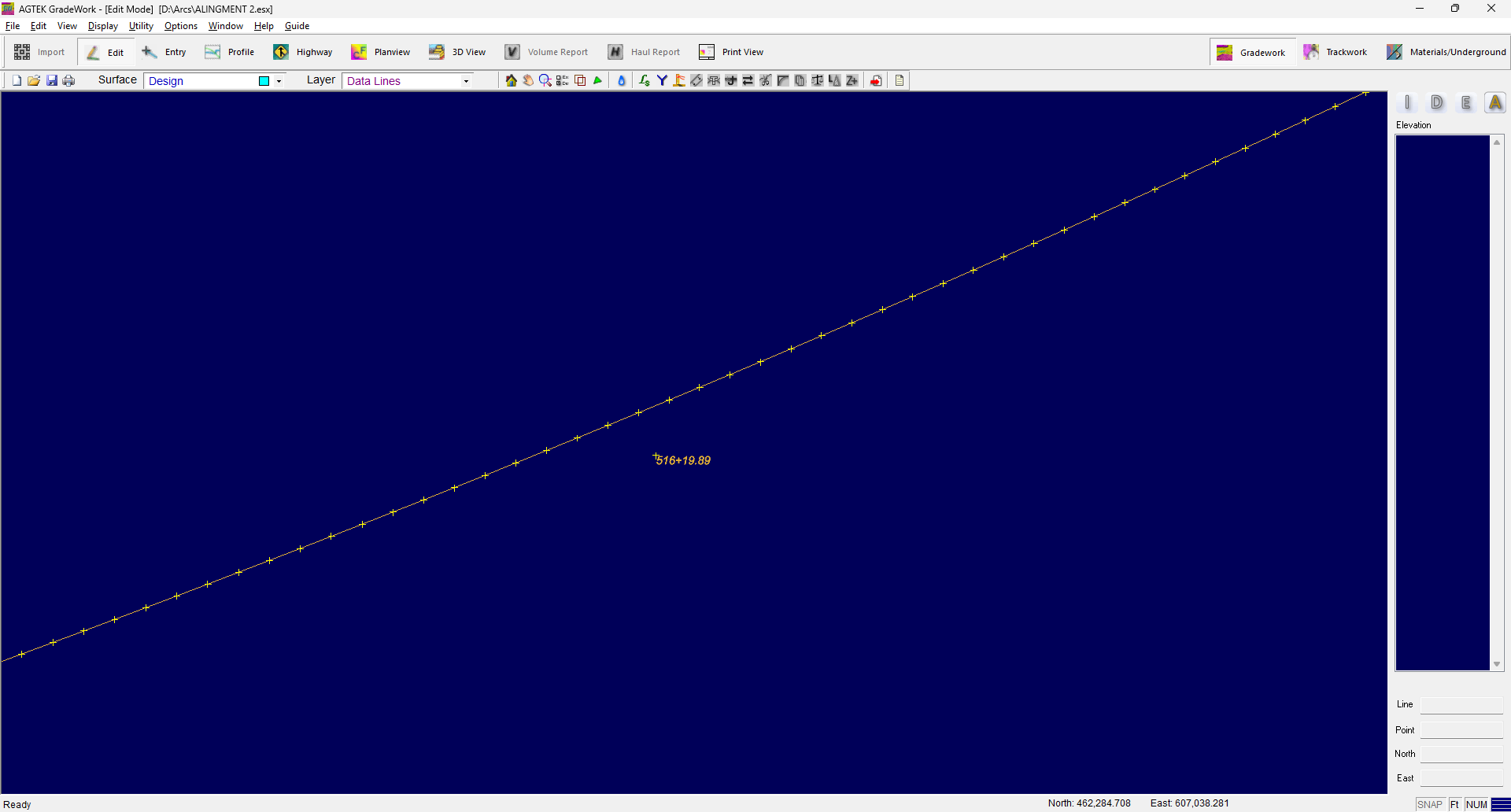
When importing arcs from a CAD file, the attributes of the arcs will be maintained on the lines. This is important when creating stringless alignments or sending alignments to Highway mode. If the distance between the points on the arc does not accurately represent the curve, you can modify the arc sample interval. Select the lines containing arcs. Select the Utility menu and select Modify Arc Sample Interval.
Enter the desired interval and click OK. Points will be added to the selected lines.
To remove the arc attributes. Select the lines containing arcs. Select the Utility menu and select Modify Arc Sample Interval. Check the box to Remove Arc Attributes and click OK.
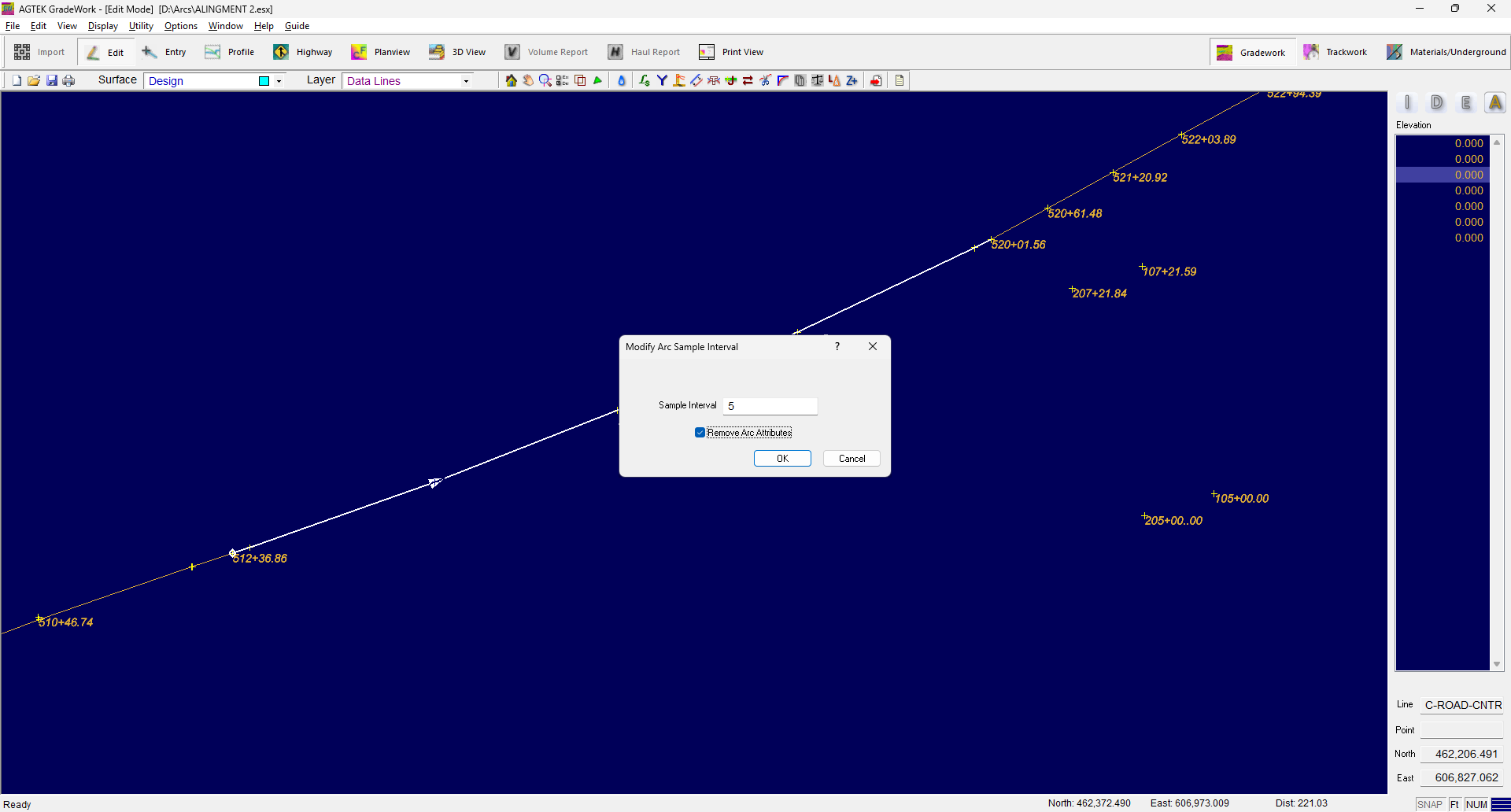
This will prevent inserted points being moved when inserting points within the curve.